Love perks and freebies? We got you.
Sign up for rewardsHow to redeem
Four steps at checkout, on the ordering site.
- 1
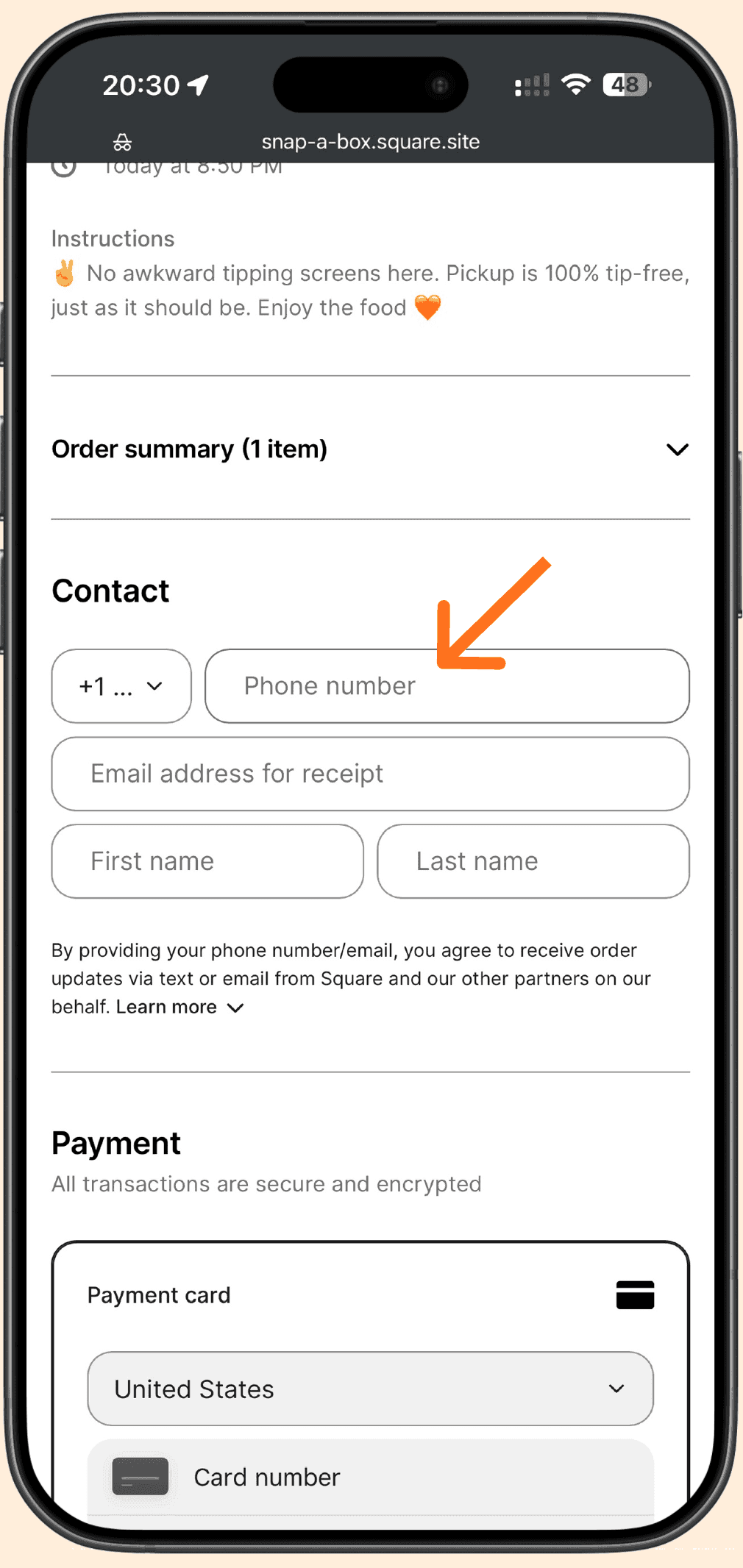
At checkout, enter the cellphone number on your rewards account.
- 2
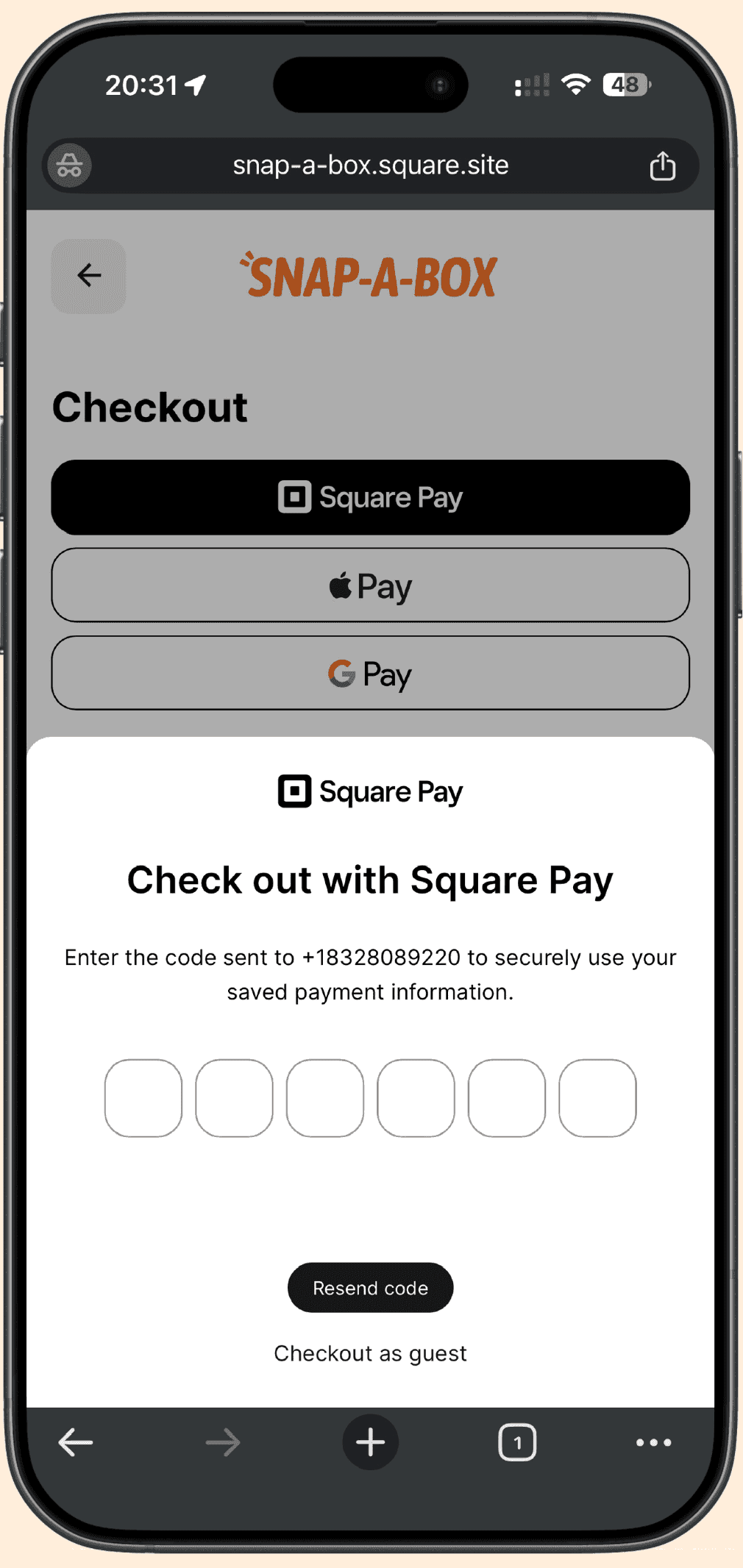
Enter the verification code we text you.
- 3
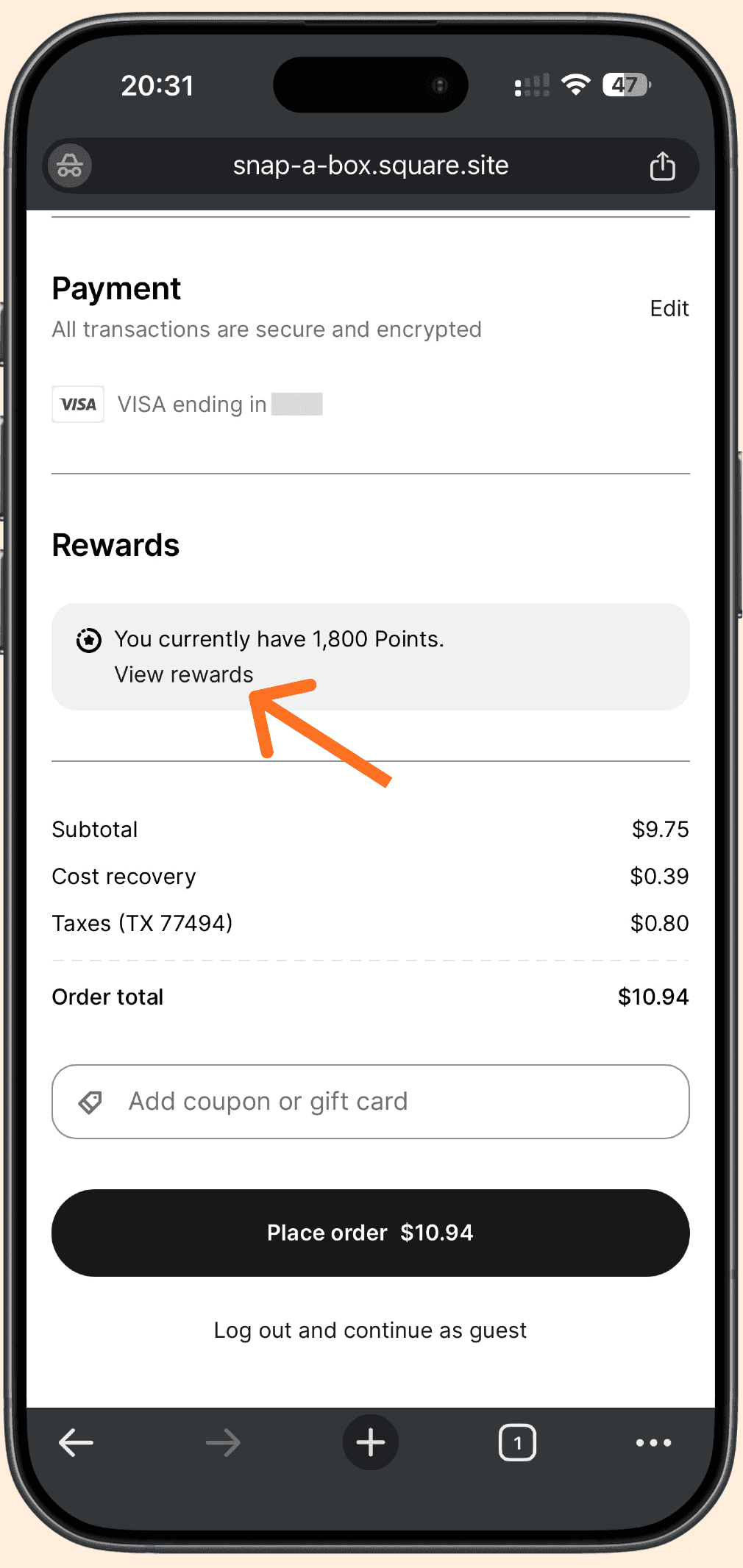
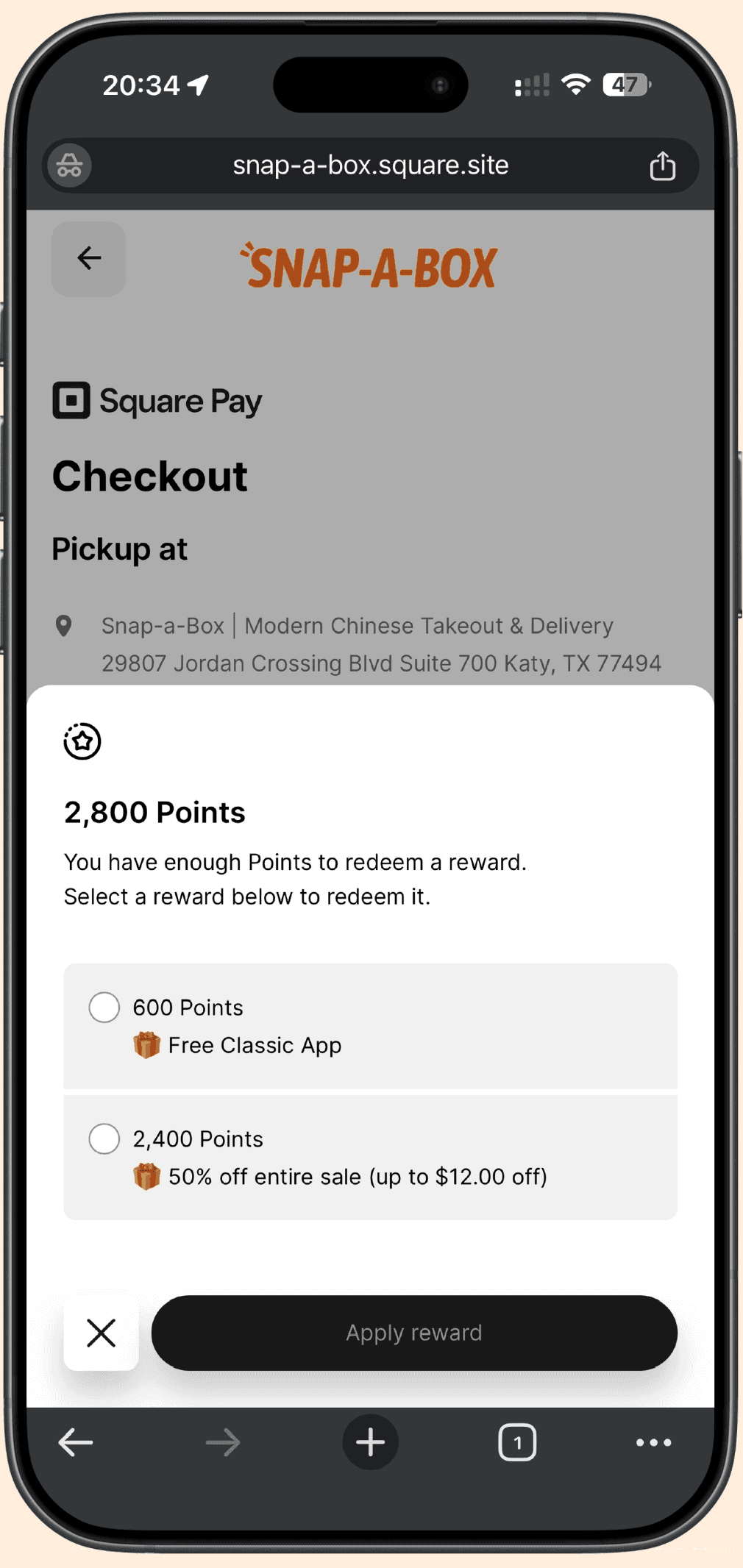
A Rewards section appears with your points. Tap View rewards.
- 4
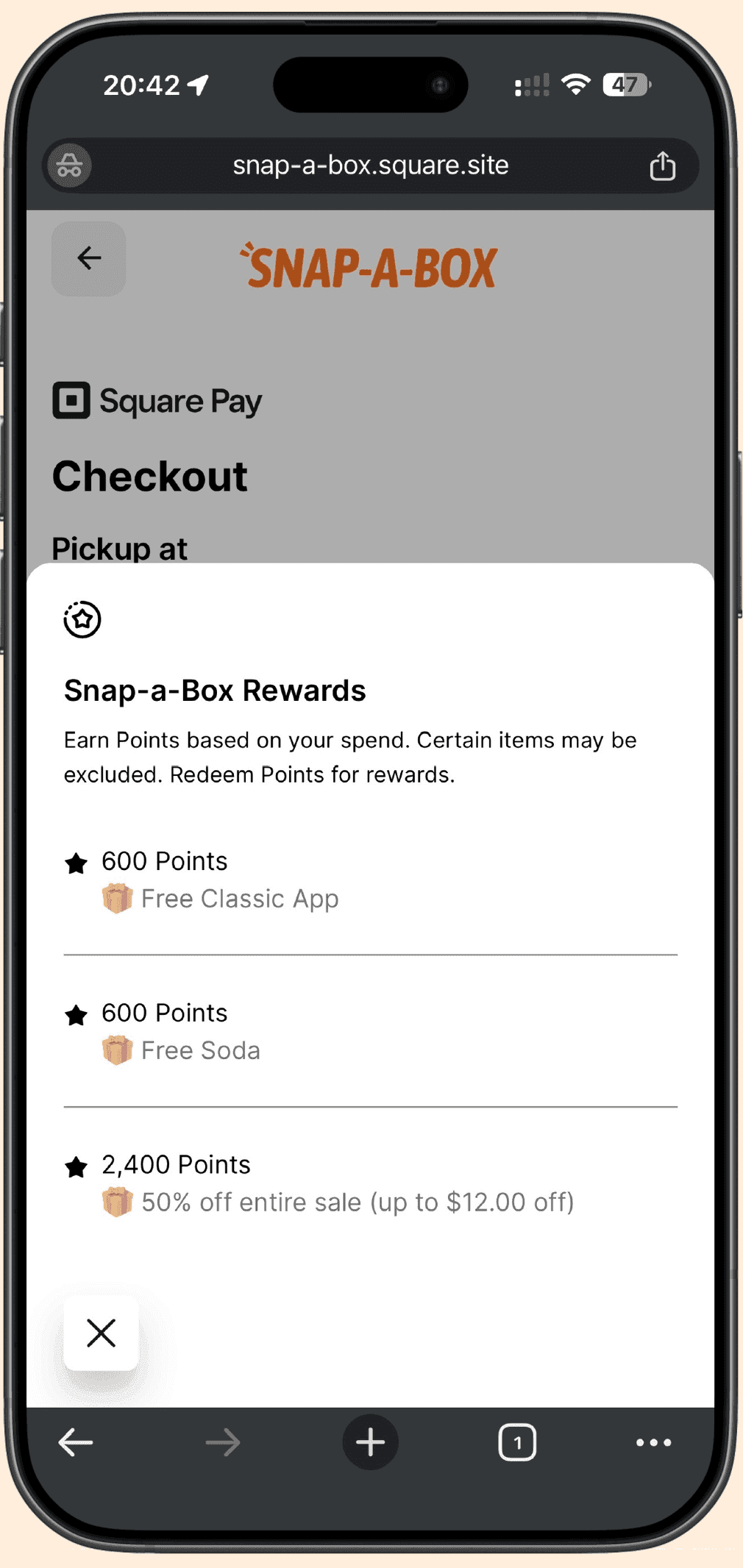
Pick the reward you want, then tap Apply reward.
Not enough points yet
You will see the rewards list instead, with what each one costs. Points build up as you order, and some items are excluded.